
Blog
SAN, NAS & Cloud Storage for Businesses in Kenya

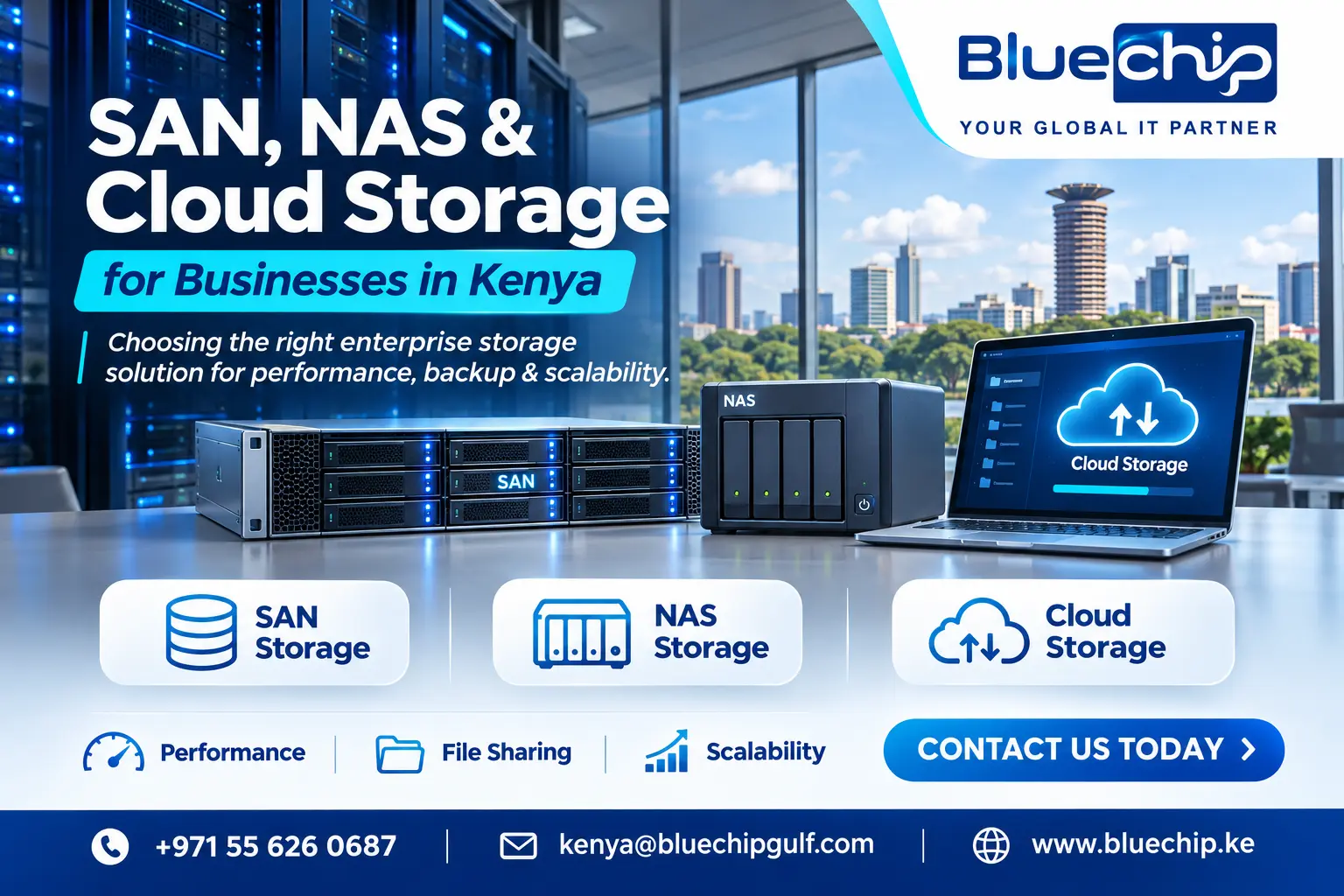
As technology evolves and businesses in Kenya start storing more of their information digitally, having the right data storage infrastructure is key. Not only does it give you easy access to your data but it can help you protect and scale.
Depending on your business needs, you should consider using either SAN, NAS or Cloud.
Understanding the differences between them will help you find the right data storage solutions for your business in Kenya.
1. What is SAN storage and when should you use it?
A Storage Area Network (SAN) enables fast, dedicated block storage for servers. This is often used in enterprise environments where you want the best performance for your applications.
They are ideal for virtual machines, databases, ERP solutions and other high performance applications.
Pros:
- Fast performance for high performance applications.
- Centralised storage management.
- Scalable for large enterprise environments.
- Can support high availability and redundancy.
- If you’re dealing with complicated infrastructure, you can use SAN storage solutions in Kenya to boost your performance.
2. What is NAS storage and why would you use it?
A Network Attached Storage (NAS) is a dedicated storage system that can be used within your company. Unlike SAN storage, NAS storage is generally file-based storage. This means your authorised users can easily access their data in shared folders.
NAS is great for businesses that want centralised storage for documents, projects, media and more.
Pros:
- Centralised storage.
- Easy to access for authorised staff.
- Easy to scale depending on your system.
- Can support scheduled back-ups.
If you’re looking to utilise NAS storage solutions in Kenya you can use this for everyday file storage.
3. What is Cloud Storage?
Cloud storage enables you to store and access your information in the cloud. This means your business can use storage infrastructure within the cloud. You can set up your storage requirements based on your needs.
Cloud storage is great for companies who have remote teams, multiple branches or fluctuating storage needs.
Pros:
- Access files from anywhere.
- Flexible storage options.
- Less reliance on on site storage.
- Supports cloud applications and back-up.
- If you have teams across Nairobi and other areas in Kenya, you can use cloud storage.
4. Which offers better performance?
Performance is key when choosing your storage solution.
- SAN storage – Generally SAN storage is favoured for high performance applications due to the block storage. If set up correctly you’ll get low latency.
- NAS storage – Great for file sharing. It depends on how much capacity you have on your network, what device you’re using and how many users connecting.
- Cloud storage – Offers flexibility and remote access. How well it performs depends on your internet connection, how good the provider is and what service you take.
Depending on how often staff need to access data, how much your workload is and how much performance you need will determine which option is best for you.
5. Can your data be backed up?
Just because you’ve got your information stored on a SAN, NAS or Cloud doesn’t mean it’s protected from being accidentally deleted, hacked using ransomware or failing.
Before choosing a storage solution consider how your data can be backed up.
- SAN – Can be supported with enterprise back-up, snapshotting and replication.
- NAS – Often supported with automatic back-up, snapshotting and replication.
Cloud – Can be supported with automatic back-up, versioning and storage in different locations.
You want to ensure you have multiple copies of your important information. You also want to make sure you have secure back-up and test that you can recover your data.
Kenyan businesses should also consider where your data is stored, who has access, encryption and any data protection requirements.
6. What is the cost of using storage?
Cost is another important factor to consider when choosing your enterprise storage solution in Kenya. However there are a few things to consider.
- Initial Cost – SAN storage will generally cost more to set up. NAS storage is often cheaper. Cloud storage is usually pay-as-you-go or subscription based.
- Maintenance – On site SAN and NAS will require maintenance of the hardware.
- Scalability – You may need to invest in more hardware for physical storage. Whereas cloud storage can often be scaled to fit your needs.
Electricity, cooling, licencing, connectivity and back-up can impact how much your storage will cost.
You should consider what your short and long term costs will be.
7. What storage solution should I use?
There is no one-size-fits-all solution. Depending on your business requirements, infrastructure and scalability you should consider:
SAN storage – If your business runs critical applications, databases or virtualisation then you should look into SAN storage.
- NAS storage – If you want to share files and have centralised document storage.
- Cloud storage – If you want a flexible solution.
- Hybrid Storage – If you want to use the high performance of on site storage but also have the flexibility of cloud.
If your requirements are complicated you could consider using multiple storage solutions.
Choose The Right Enterprise Data Storage Solution In Kenya
Understanding your data requirements, applications, security and scalability will help you choose the right storage solution for your business.
At Bluechip Kenya, we can help you find the right data storage and IT infrastructure for your business. Choosing the right storage solution whether it be SAN, NAS, cloud or hybrid will help improve your data access, increase efficiency and improve business continuity.
Need reliable enterprise data storage in Kenya?
Contact us at Bluechip Kenya to discuss your storage requirements.
FAQ
When should I consider SAN, NAS or cloud storage?
SAN provides block storage, often used for databases and virtual machines that need consistent performance.
NAS provides file storage over a local network, making it useful for office documents, media and shared folders.
Cloud storage keeps data on infrastructure managed by a service provider and accessed through internet-based applications or tools.
Choose based on your applications, expected data growth, internet reliability, security needs, recovery requirements and budget.
NAS can suit departmental file sharing, while SAN may fit demanding server workloads and cloud can support collaboration or off-site backups.
These options can also be combined; access, features and costs depend on the services you choose.
Should I consider NAS instead of SAN for my growing Nairobi office?
NAS is often a good fit when your main needs are file sharing, regular backups or centralised document storage for a small team.
It is generally easier to deploy and manage than SAN, and many devices offer user permissions, snapshots and room to expand.
For a growing Nairobi office, NAS can help organise shared files without adding complex server infrastructure.
SAN may be more suitable if multiple application servers need high-performance block storage.
Compare concurrent users, file sizes, read and write patterns, acceptable downtime and the skills of your IT staff.
Check for redundant disks, power and network connections, and maintain off-site backups before storing critical business data.
How do I estimate storage capacity, performance and backup needs?
Start by estimating the data your business uses now and expects to need in the coming years, including email, shared files, databases and, where relevant, CCTV footage.
Include space for snapshots and file versions, and remember that RAID or other protection methods reduce usable capacity below the drives’ total capacity.
Performance needs depend on the applications: a design team opening large files has different demands from an accounts system handling many small transactions.
Consider concurrent users, network speed, input/output activity and how quickly systems must be restored.
Set backup needs based on retention periods, how often data changes and encryption requirements; for cloud storage, include upload speeds and retrieval costs.
Recovery time objectives (RTOs) and recovery point objectives (RPOs) help match the design to realistic business expectations.
Do I still need off-site backups and recovery tests if I have SAN or NAS?
Yes. Redundancy in SAN or NAS storage can help a system keep running after a disk fails, but it does not reliably recover deleted files, corrupted databases, stolen devices or ransomware-encrypted data.
Snapshots can help, but plan their access permissions and retention carefully.
Keep separate backups, including at least one copy in another location; the 3-2-1 rule is a useful starting point.
Encrypt sensitive backup data and limit administrative access.
Regularly test recovery using a sample file and a critical business application, and record how long recovery takes and whether it is complete.
A successful backup job does not guarantee that the data can be restored when you need it.